
Focus Capsule
Focus on your work. Rest when it's time.
Free for your first 50 pomodoros
Yearly subscription or one-time purchase
Focus
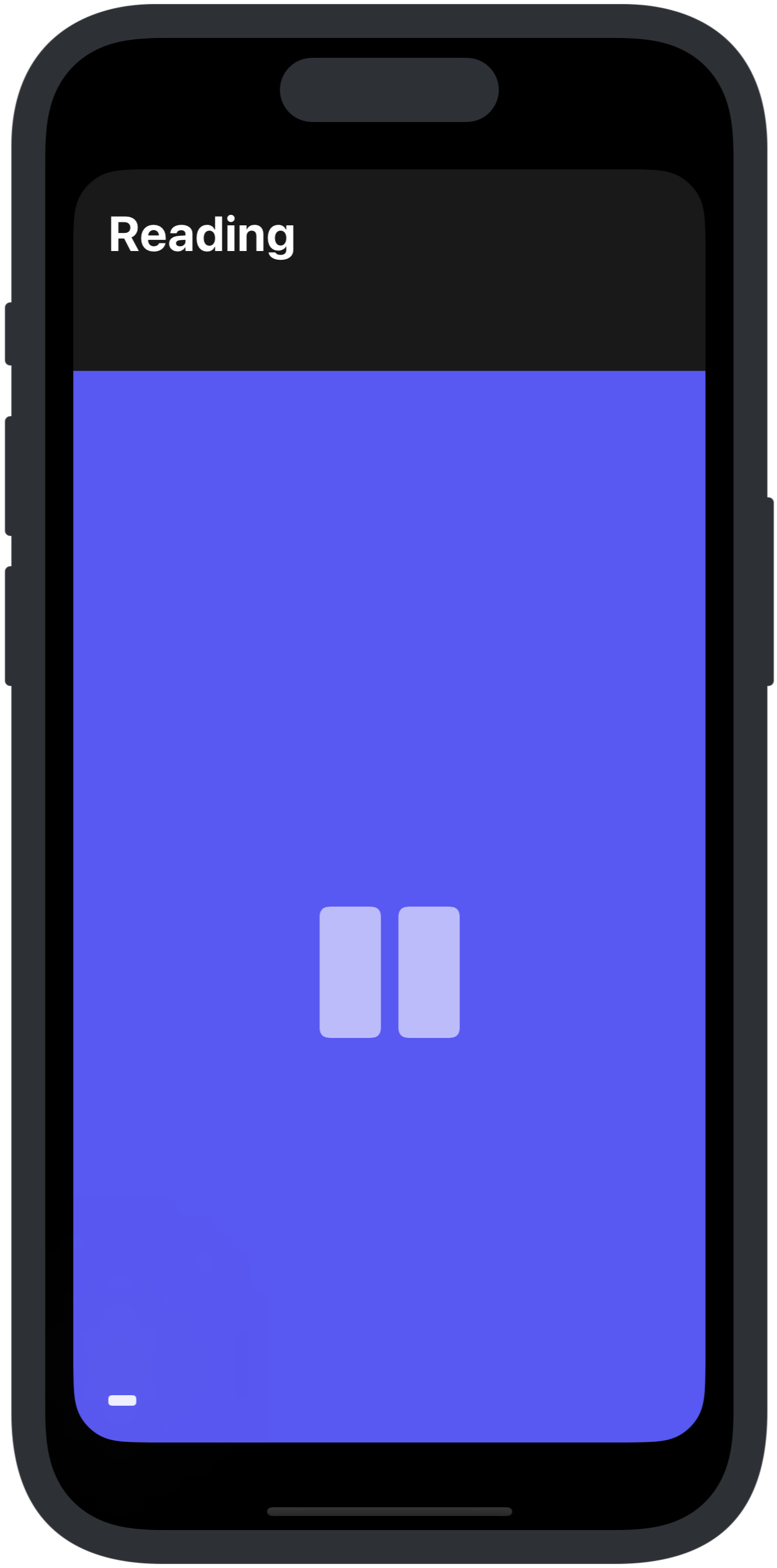
One timer, filling the screen
When a session starts, a single bar in your pomodoro's color
fills the screen and shrinks as time passes.
Show the time left the whole way through, or only in the final minute.
Minimize it and a mini player stays at the bottom
while the clock keeps running.
What's next
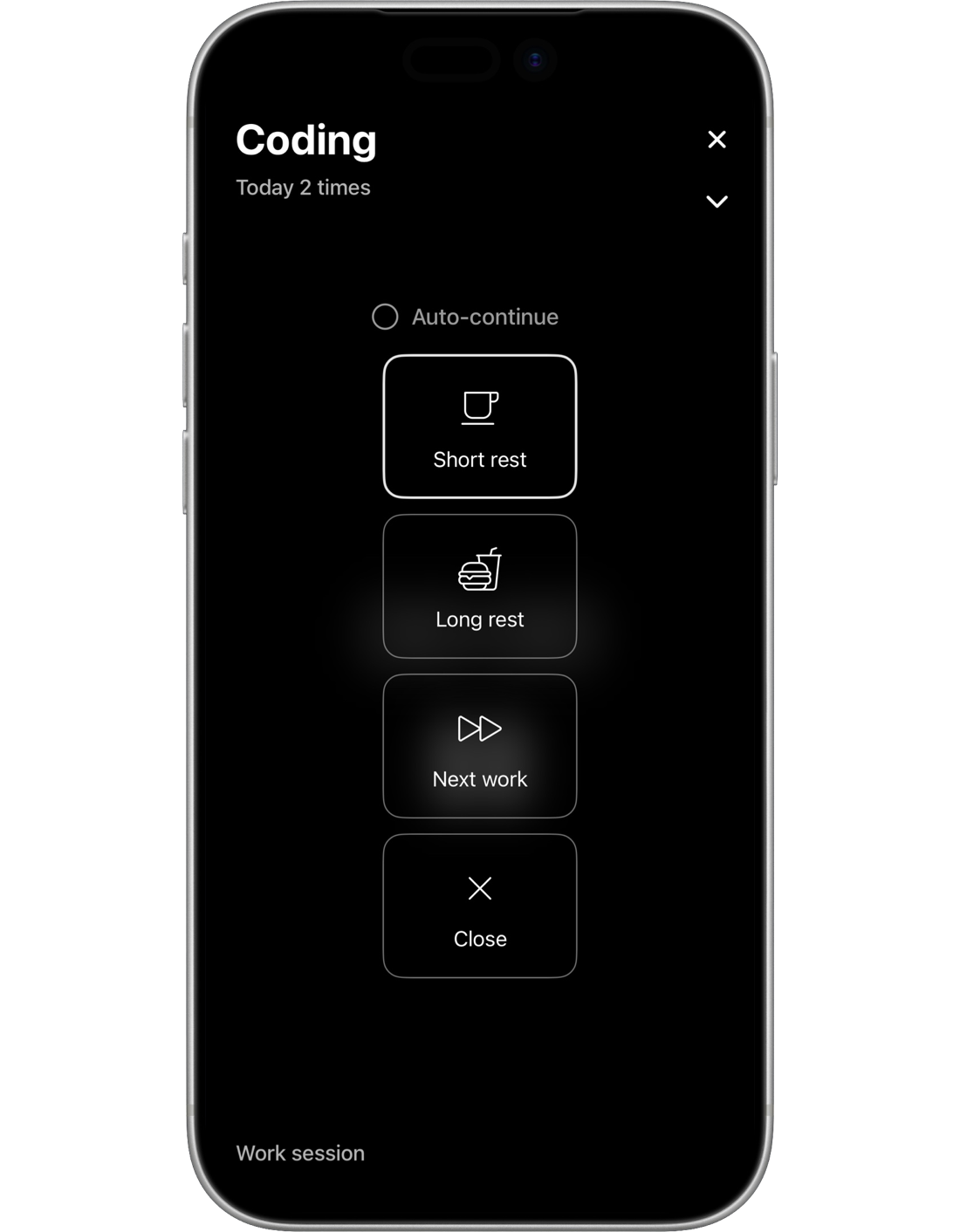
When a session ends, choose what's next
After a work session, pick a short rest,
a long rest, or the next work session.
Every fourth work session, it suggests a long rest.
Turn on Auto-continue and it counts down five seconds,
then moves on by itself.
Widgets
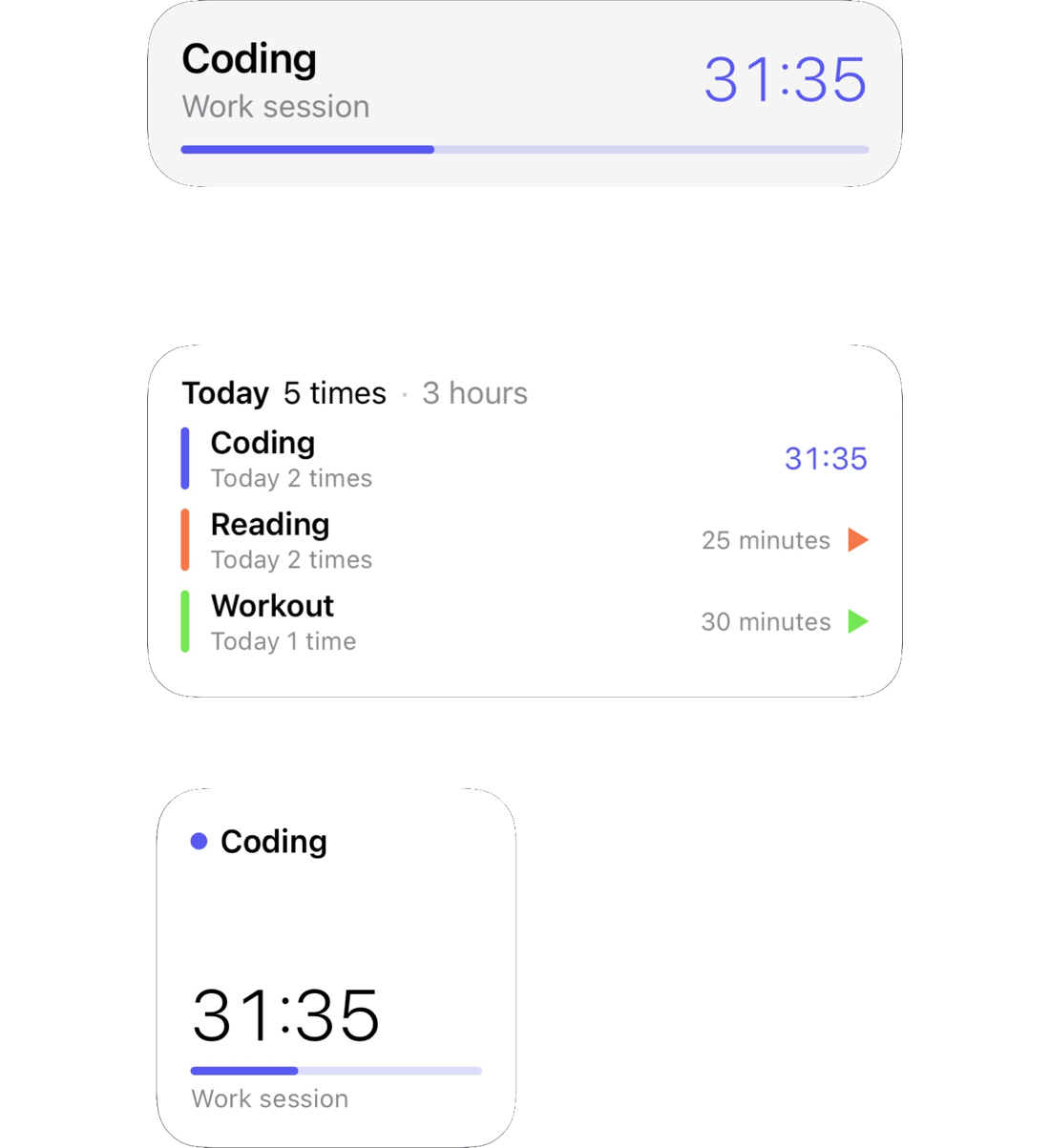
See the time left without opening the app
The time left appears in the Dynamic Island
and on the Lock Screen.
The Focus widget shows how much you've focused today;
Quick Start lets you tap a pomodoro
to start it right away.
Statistics
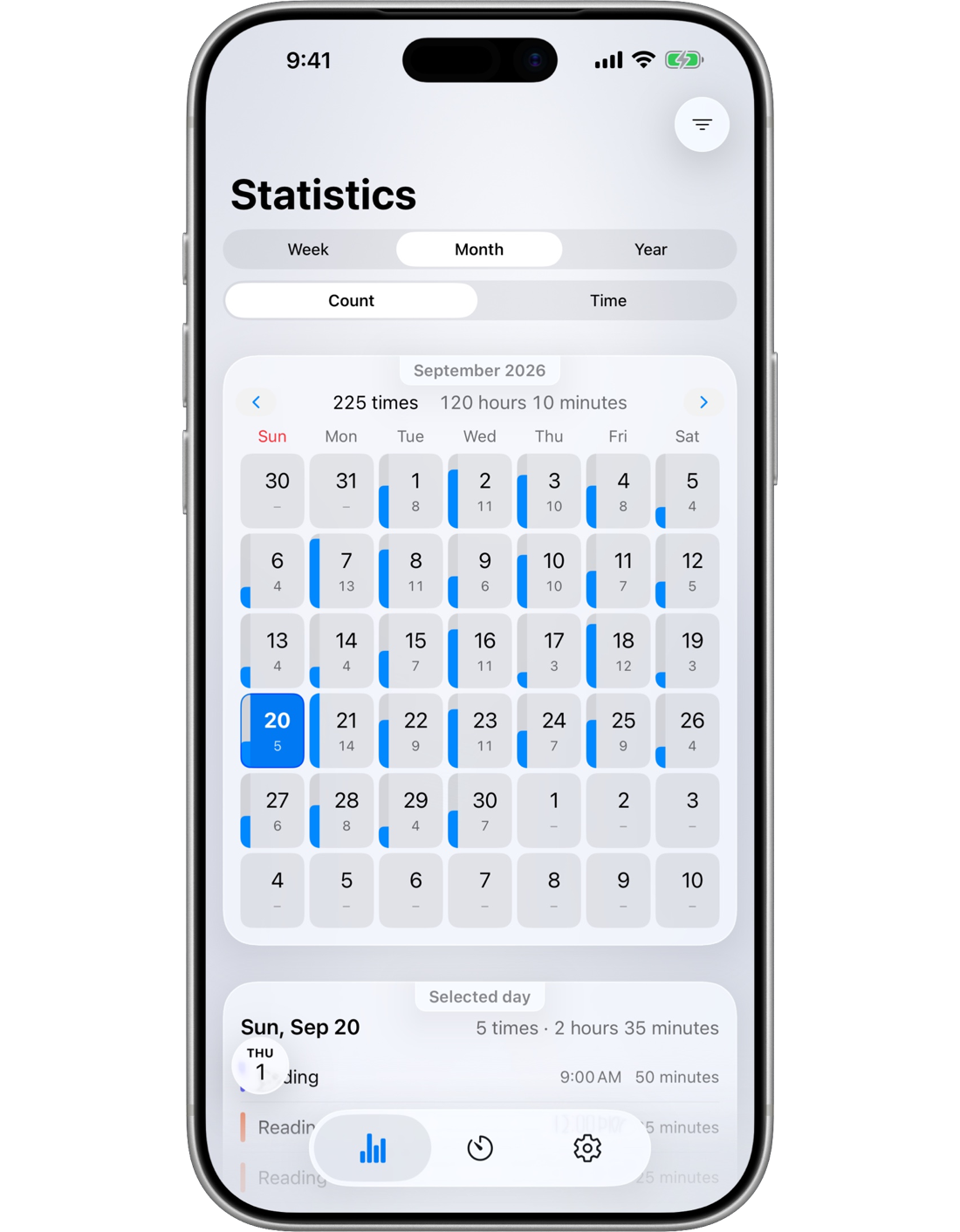
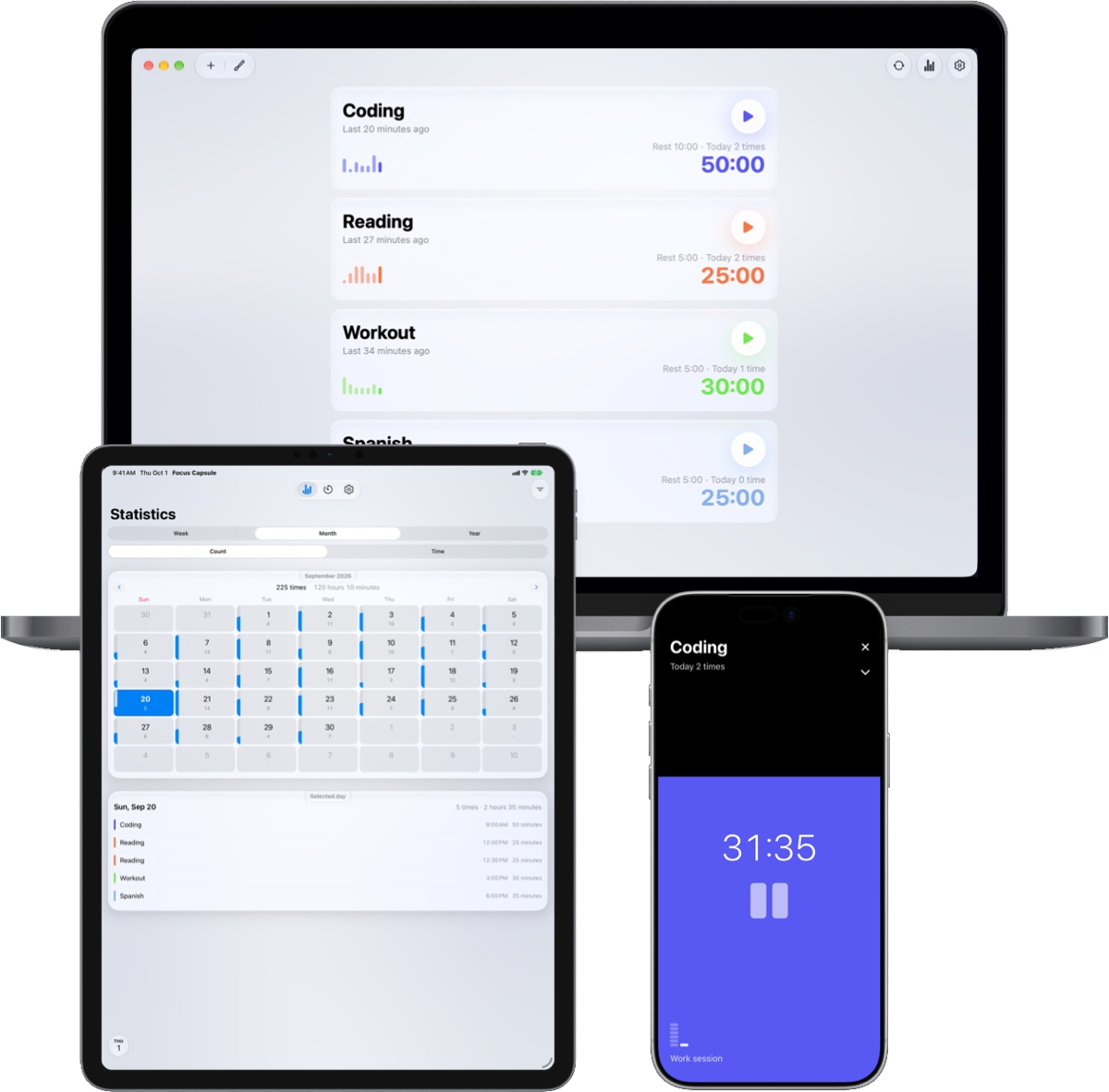
A month of focus at a glance
See your weeks, months and years
as bars and on a calendar.
Tap a day to open up its sessions,
or narrow the view to a single pomodoro.
Rename a pomodoro and your past records
keep the name and color they had at the time.
Your pomodoros
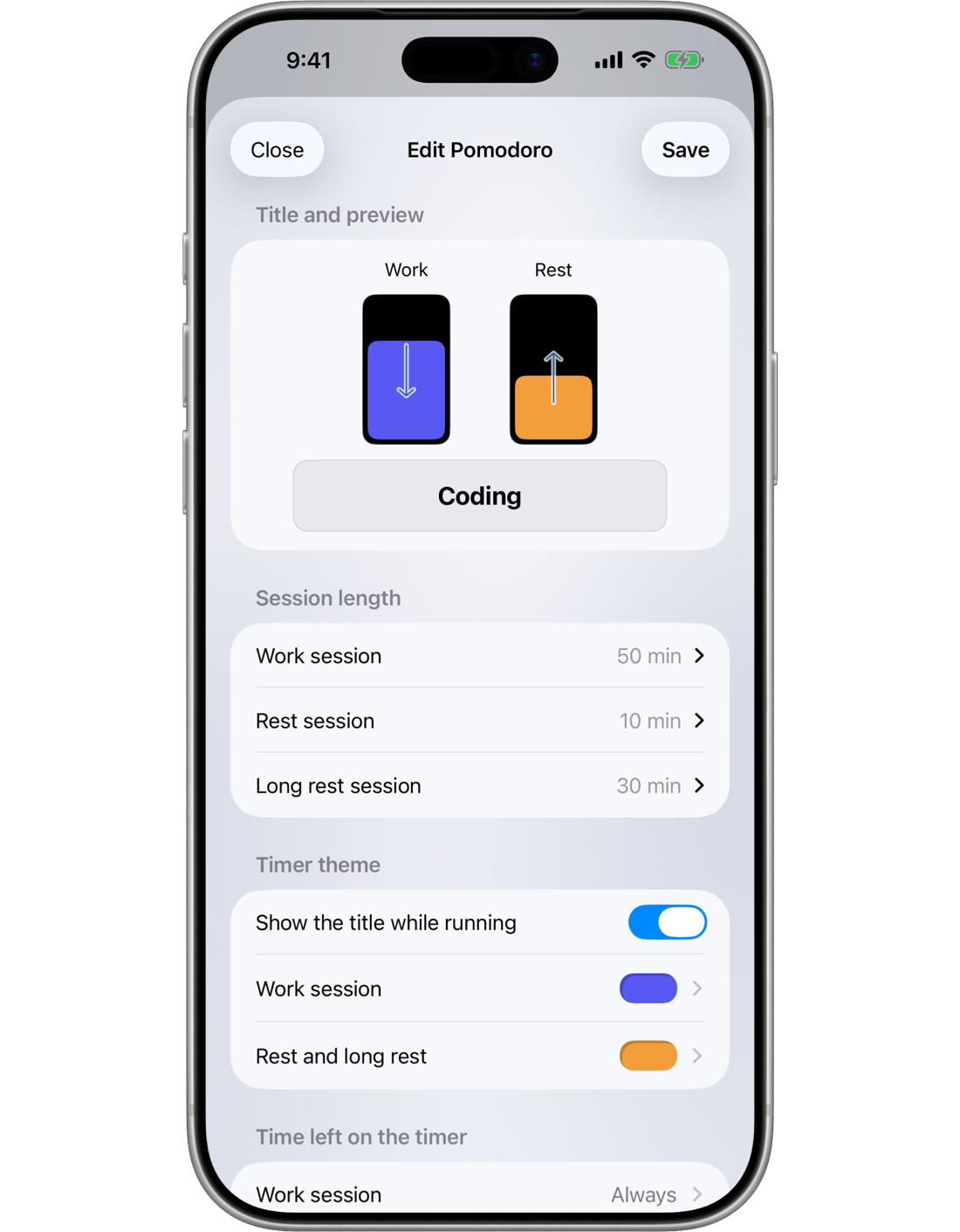
Colors and direction, your way
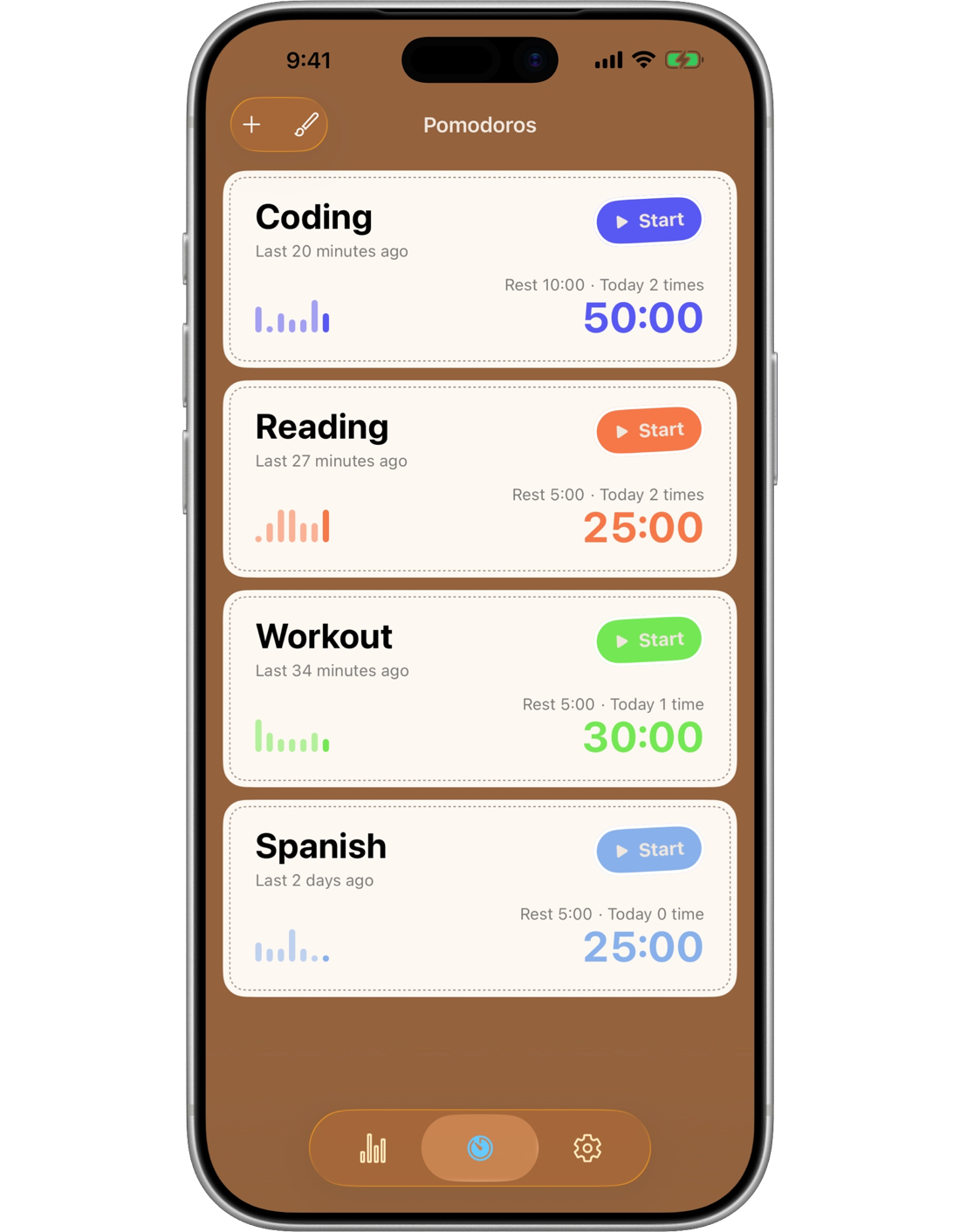
Studying, coding, workouts — set up a pomodoro for each thing you do.
Choose the color, the direction the bar shrinks,
and the work, rest and long rest lengths for each one.
Pick None, Vibrate only or a sound for alerts —
you'll hear it even with the screen off.
Styles
Standard · Diary · Glass
The same app, three ways to look at it.
Choose a color scheme and an appearance
(System, Light or Dark) as well.
Pick your favorite.
Mac
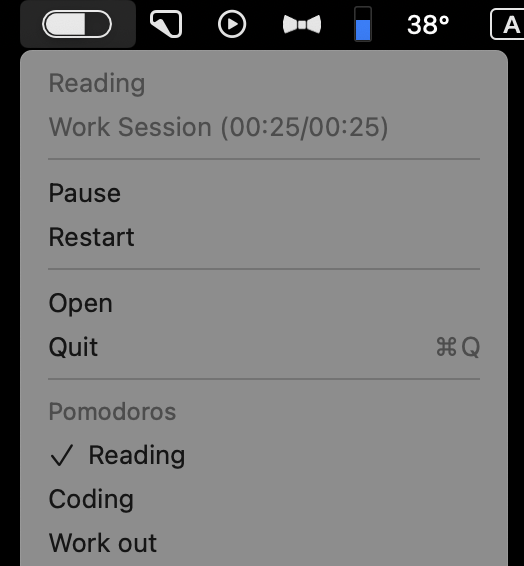
Close the window, keep going in the menu bar
On the Mac, it's the same app.
A pill in the menu bar shows the time left,
and your session keeps going after you close the window.
From the menu, pause or end it,
or start another pomodoro right away.
Every device
Your records follow you
Use the same pomodoros and records
on iPhone, iPad and Mac.
They sync through iCloud,
and Settings shows the account in use
and when your devices last synced.
And much more

Nothing collected
No ads, no analytics, no account.
Your data stays on your device
and in your own iCloud.

Your day, your start
Work past midnight?
Choose when your day
and your week start.

Archive
Tuck away the pomodoros
you're not using
without deleting them.

17 languages
Including English, Korean,
Japanese, and more.
Simple pricing
Every feature is free for your first 50 pomodoros. To keep going, pick one of two.
Prices vary by country. Check the App Store for the exact amount.
Free
$0 50 pomodoros
- 50 pomodoros
- Every feature
- iCloud sync
Yearly
$0.99 /year
- Unlimited pomodoros
- Every feature
- iCloud sync
- Cancel anytime
One-time
$2.99 once
- Unlimited pomodoros
- Every feature
- iCloud sync
- No subscription, nothing more to pay